This page shows how to use CoolNicknames: type a name, pick a style or symbol frame, tap to copy, then paste it into a game or app. Copy button not working or a symbol shows as a box? Report it on the contact page.
Start at the home generator
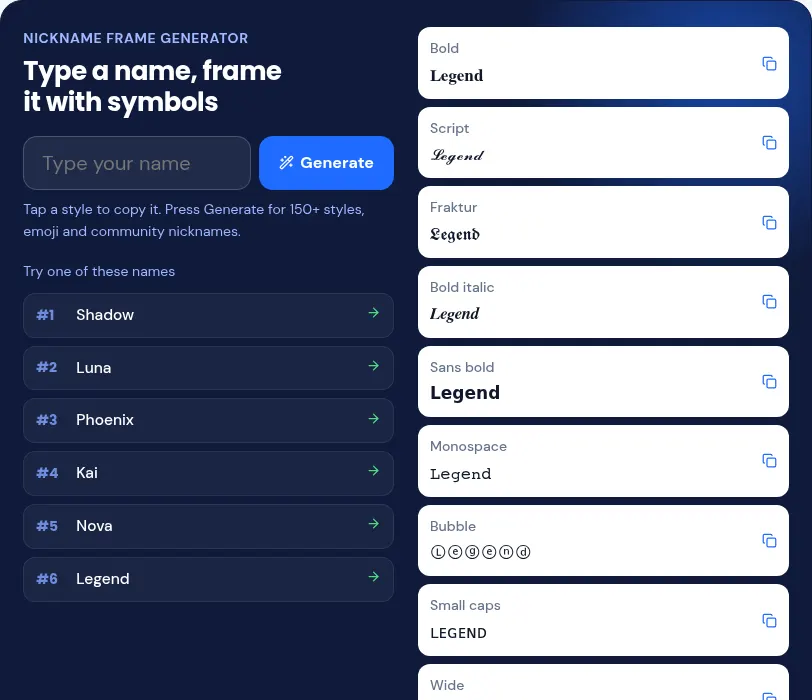
The home page generator shows your name in many frames at once; tap the one you like to copy. Type the name in the box, press Generate, scroll through the styles and tap a result to copy it to the clipboard. Frames put symbols such as ★ ♡ ♛ ꧁ ꧂ 『 』 or ミ★ ★彡 around the name, so the copied text is plain characters you can paste anywhere that accepts them.
| Frame in the generator | Result for Kage |
|---|---|
| Star wave | ミ★ Kage ★彡 |
| Bracket | 『KAGE』 |
| Gamer | ▄︻デ Kage ══━一 |
| Cute | ʚ♡ɞ Kage ʚ♡ɞ |
| Bubble | ⓚⓐⓖⓔ |
| Wide | Kage |
Pasting into each app
Each app has its own name box and its own filter, so the same style can work in one place and fail in another. The table lists where to paste in three common apps.
| App | Where to paste | Note |
|---|---|---|
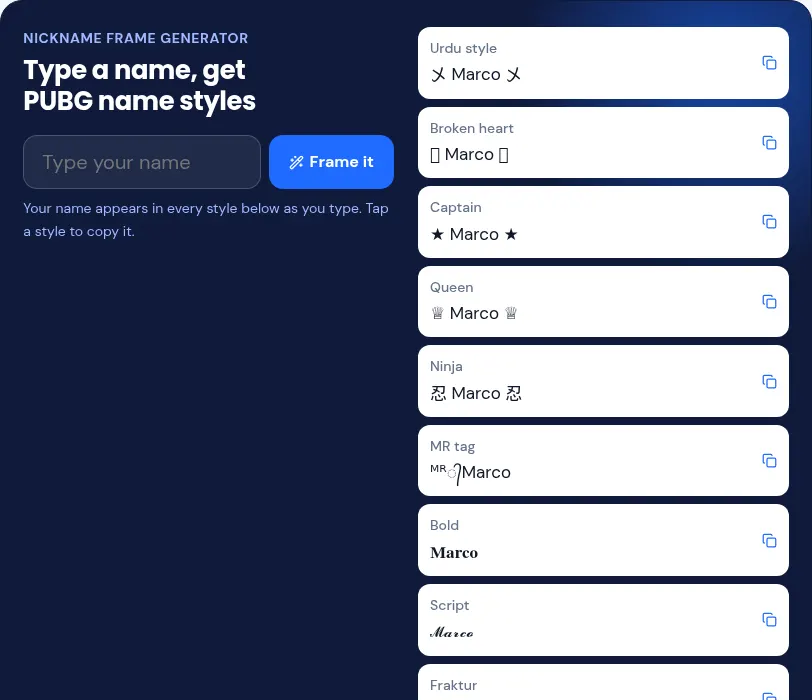
| PUBG Mobile and BGMI | The in-game name box | See PUBG name styles for frames that fit name boxes; some symbols may be rejected |
| Free Fire | The nickname box | The game may reject unusual symbols; try a simpler frame |
| Profile name field (Edit profile) | The @username takes only letters, numbers, periods and underscores |
Boxes instead of symbols
The viewer’s phone lacks that symbol’s font, or the app filters it; pick a simpler frame. Apps can reject unusual symbols in the main name field, so check the preview before saving.
Updated: 2026-11-06